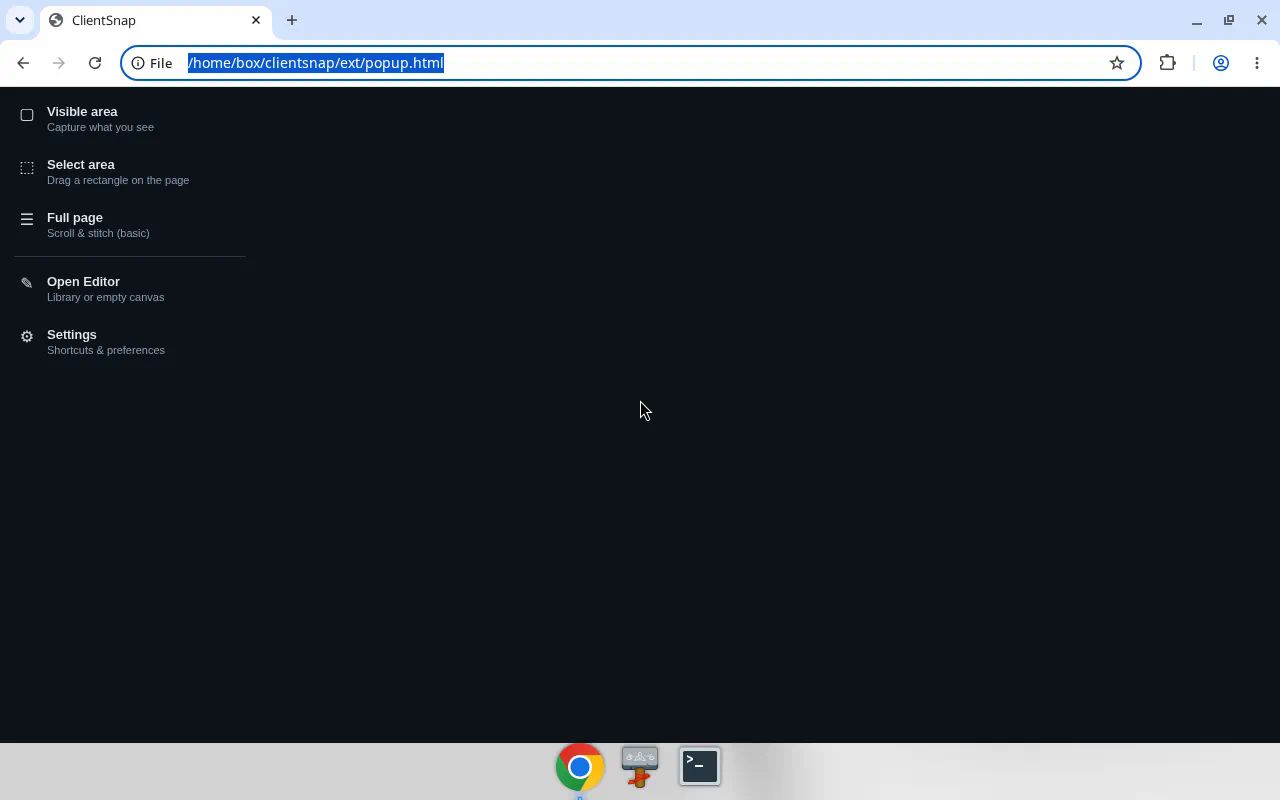
One-click capture menu
The toolbar popup keeps capture modes obvious: visible area, select area, or full page — plus Open Editor and Settings.
- Visible area — what you see
- Select area — drag a rectangle
- Full page — scroll & stitch (basic)


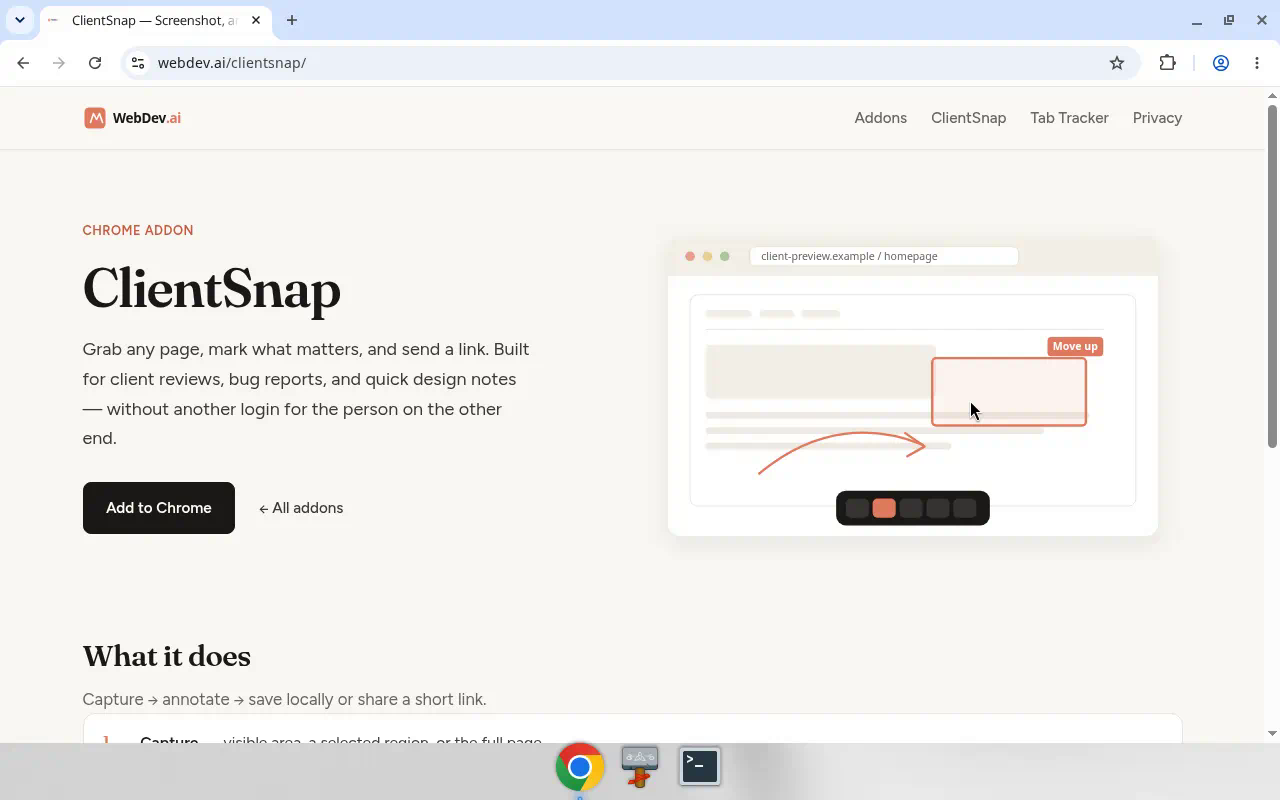
ClientSnap grabs any page, lets you mark what matters, and sends a short link clients can open in any browser. Built for reviews, bug reports, and quick design notes. Free on the Chrome Web Store.
Most “just send a screenshot” workflows dump work on the person receiving it.
Clients shouldn’t need another account to see a markup. Email attachments get lost; full SaaS tools are overkill for a one-off note.
A raw PNG without arrows or blur means follow-up calls. Privacy-sensitive bits stay visible until someone crops by hand.
Many capture tools send every shot to a cloud. Sometimes you just want a local file — no link, no retention clock.
Capture → annotate → save locally or share a short link.
Visible area, a selected region, or full page (scroll & stitch). Open the editor anytime from the popup.
Arrows, shapes, highlighter, text, privacy blur, crop & zoom — so the note is clear on first open.
Save or copy on your machine. Share only when you choose — optional upload once, 7-day link on webdev.ai.
From the live extension UI — popup, editor, and share viewer.
The toolbar popup keeps capture modes obvious: visible area, select area, or full page — plus Open Editor and Settings.
Mark up the capture, then Copy, Save, or Share. Recent captures stay handy; settings stay out of the way until you need them.
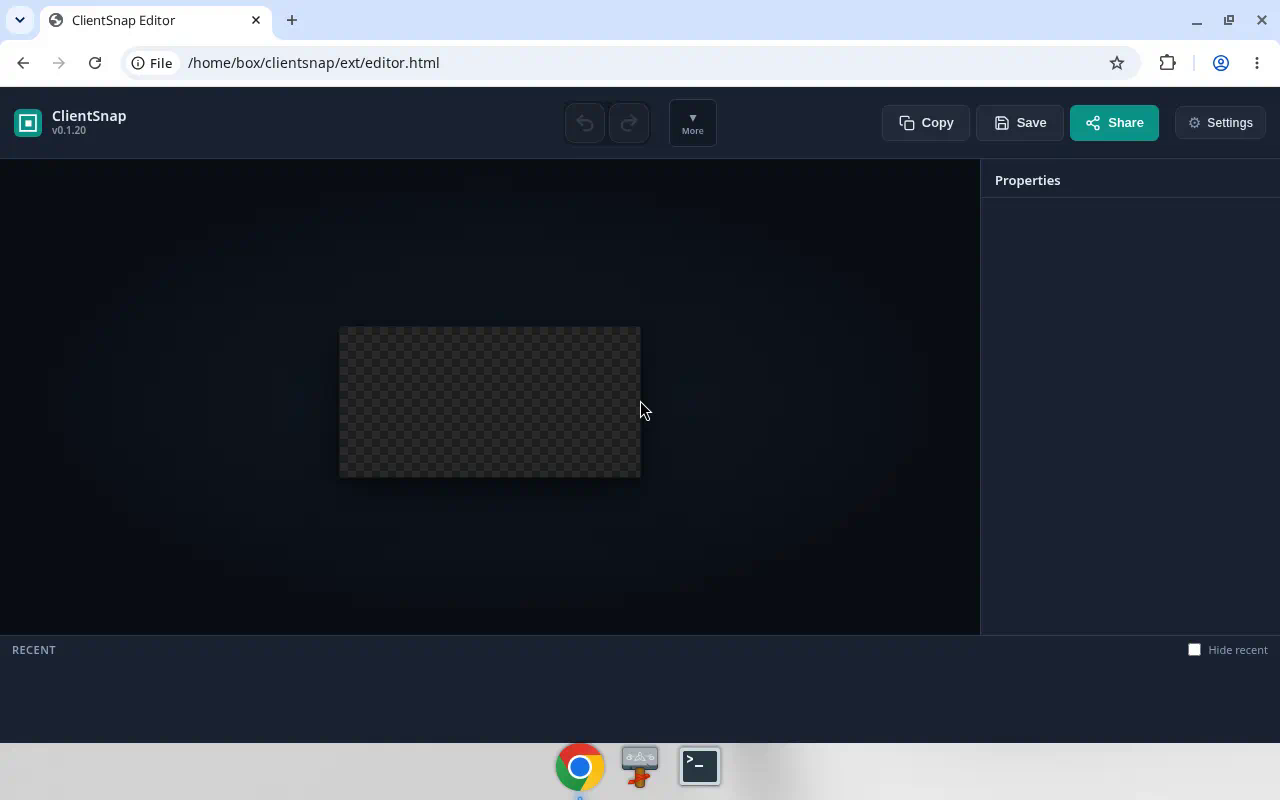
webdev.ai/s/… — nothing to install.
Popup → editor → share viewer in about ten seconds.
Add ClientSnap from the Chrome Web Store. Open the popup and pick visible, region, or full page.
Use the editor to draw, blur, and label. Copy or Save locally if you don’t need a link yet.
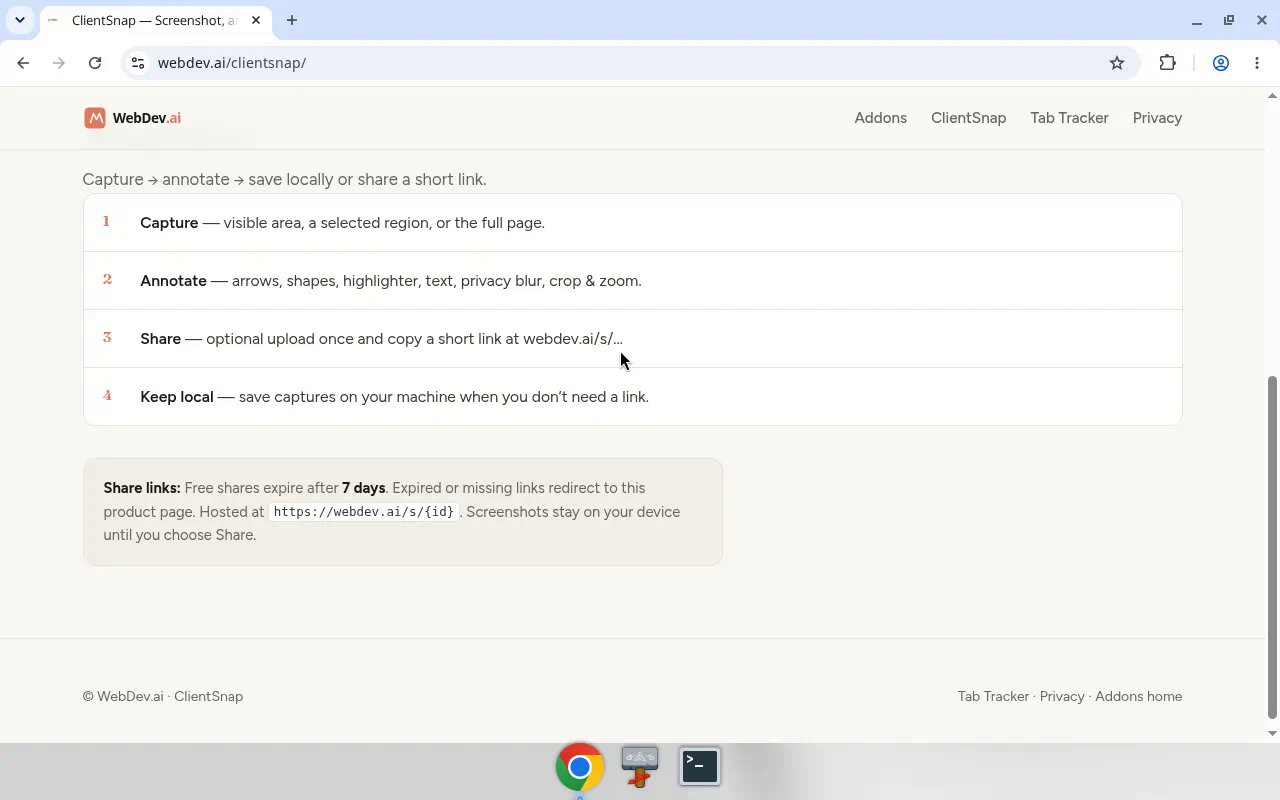
Share uploads once and copies a short link. Free shares expire after 7 days at webdev.ai/s/{id}.
https://webdev.ai/s/{id}.
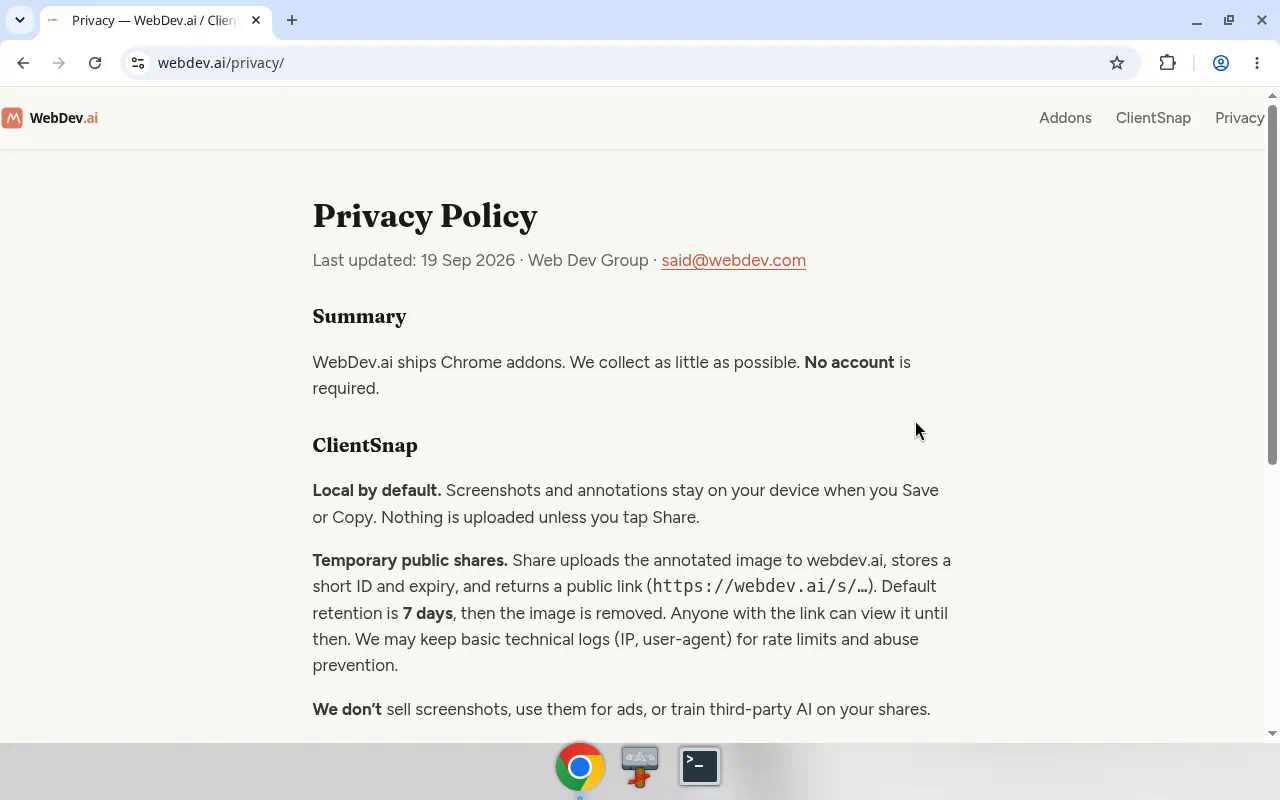
Screenshots stay on your device until you choose Share.
Generic placeholders — no invented names or star ratings.
“Send the markup, not another invite to a tool the client doesn’t use.”Example placeholder
“Built for agencies & freelancers — local first, share when it helps.”Studio note
Yes. ClientSnap is free on the Chrome Web Store.
No. Captures stay on your device until you choose Share. Local Copy/Save never hit our servers. Details in Privacy.
Free share links expire after 7 days. Expired or missing links redirect here.
No. Anyone with the link opens it in a normal browser at webdev.ai/s/… — nothing to install.
Web Dev Group / WebDev.ai. Questions: [email protected].
By Web Dev Group · Chrome Web Store · Privacy